Content creation for moms works best when it is built around limited time, clear family boundaries, and one repeatable commercial workflow. You do not need to turn your children into content, film every part of your day, or wait for a perfect home studio. For a US mom exploring TikTok Shop, the practical path is to choose one product problem, create several useful angles around it, and make the workflow small enough to repeat between real responsibilities.
This article owns the content-production problem: what to make, how to batch it, and how to protect the parts of family life that should stay private. The TikTok Shop affiliate side-hustle plan covers the separate 90-day business decision about whether the work is producing enough evidence to continue.
Choose a Creator Lane That Fits Your Real Life
The easiest content plan to maintain is one that starts from what you can consistently show, not from a creator identity you think you should imitate. A working mom with short evening windows needs a different production system from a full-time lifestyle creator who films throughout the day.
Choose one of these starting lanes. You can expand later, but the first lane should make topic selection easier rather than giving you more categories to manage.
| Creator lane | What the content shows | Best fit | Main boundary |
|---|---|---|---|
| Product problem-solver | One product solving one visible household or personal problem | Moms who prefer demonstrations and voiceover | Keep the video focused on the product, not the whole household |
| Routine educator | A repeatable method, checklist, or before-and-after process | Moms comfortable sharing selected parts of a routine | Decide which locations, schedules, and family details stay private |
| Faceless product creator | Hands, product close-ups, tabletop demonstrations, and narration | Moms who do not want their face or children on camera | The product action must still be visually clear |
For TikTok Shop affiliate content, the product problem-solver or faceless lane is often the simplest starting point. Both let the creator build useful product content without making family access the reason people watch.
Set Family Boundaries Before You Build a Posting Schedule
Decide what will never appear before deciding what to post. That list might include children's faces, school names, uniforms, house numbers, daily routes, medical information, bedrooms, or real-time location. A boundary written before filming is easier to follow than a privacy decision made while editing a nearly finished video.
Children are not required for successful mom-focused content. The audience can understand that a storage product reduces clutter, a kitchen tool shortens a task, or a travel organizer solves a packing problem without seeing the child connected to the need. Show the product, the setup, and the result. If the demo is a storage or organization reset, generate home-organization product videos from the product link instead of staging the shoot yourself.
Separate family expertise from family exposure. Your experience can shape the problem you solve while the camera stays on your hands, a neutral work surface, or the product itself. This keeps the content useful and gives you more control over what remains online.
Build a Low-Friction Content System
The goal is not to create whenever a free moment appears. That turns every break into a decision. Build a small system where each session has one job and the next action is already known.
Start with One Product and One Problem
Choose a product only when you can state the viewer's problem in one sentence. “This helps keep small items from disappearing in a travel bag” gives you a clearer video than “This is a popular organizer.” The problem creates the hook, demonstration, and decision frame.
Stay with one product long enough to learn from it. Change the angle, opening shot, objection, or use case before replacing the product. Testing several ideas around one SKU usually requires less setup than filming one unrelated product after another.
Batch Decisions Before You Batch Production
Batching does not have to mean filming ten polished videos in one afternoon. Start by batching the decisions that create friction: product choice, viewer problem, hook, proof shot, and next action. A short planning session can prepare several distinct concepts without opening the camera.
Keep each concept on a simple card or note with five fields: product, problem, opening visual, proof, and call to action. When production time arrives, you are executing a decision rather than trying to invent an idea while the phone is recording.
Give Each Work Block One Purpose
Use separate blocks for research, scripting, asset preparation, video creation, and review. A 15-minute research block does not need to become a finished post. A production block should not be interrupted by comparing new products.
This separation makes the workflow easier to resume after an interruption. If a family task ends a session early, the next note still tells you exactly where to continue. The system survives imperfect days because progress is stored outside your memory.
A Simple Weekly Content Workflow for Busy Moms
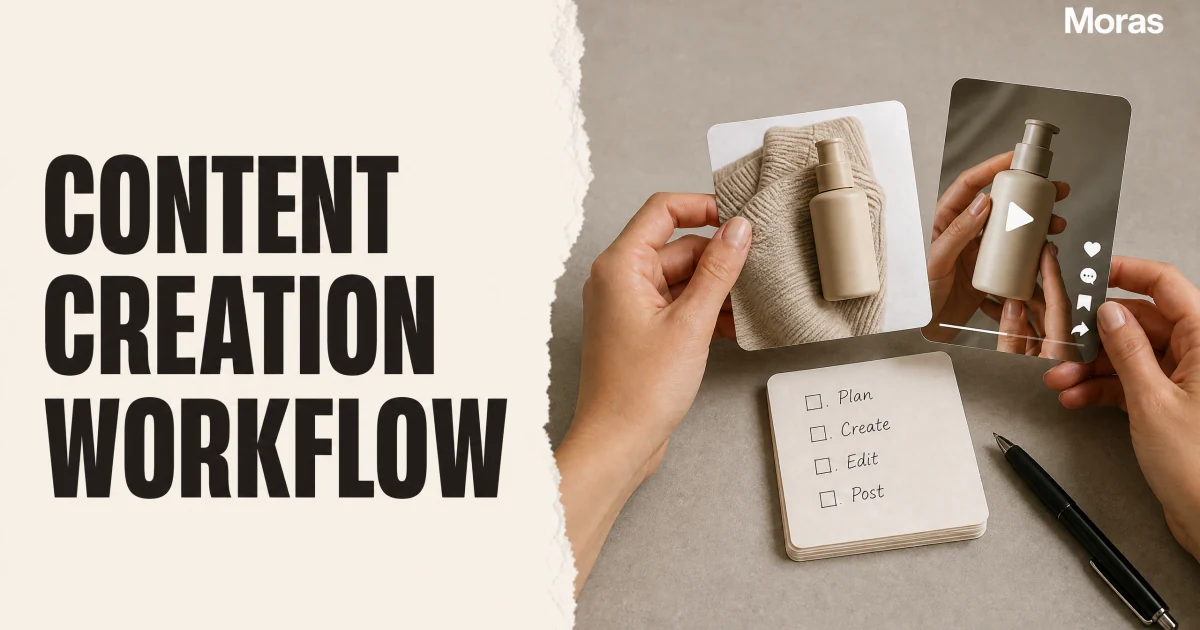
The schedule below is an example, not a rule. Move the sessions around work, childcare, and energy. Keep the sequence: choose first, plan second, create third, review last.
| Session | Main task | Finished result |
|---|---|---|
| Product session | Compare products and choose one problem worth testing | One selected product with a written reason to test it |
| Angle session | Draft several hooks, proof shots, and objections | A small stack of distinct concepts for the same product |
| Creation session | Record or generate the product-focused video assets | Finished drafts ready for review |
| Review session | Check clarity, claims, disclosure, caption, and product link | Posts ready for the publishing queue |
| Learning session | Compare buyer-intent signals and audience questions | One decision about what to repeat, change, or stop |
Avoid assigning every session to a different product. Reusing the same physical setup, product, and background reduces preparation time and makes comparison cleaner. The variable should be the creative angle, not the entire production environment.
Leave an intentional buffer between creation and posting. A short review after the rush of filming helps catch a missing disclosure, an unsupported product claim, a confusing first frame, or a product link that does not match the video.
Choose Products That Reduce Content Friction
The best product for a busy creator is not always the product with the biggest displayed commission. It is the product that gives you several credible demonstrations without demanding a complicated set, risky claim, or long explanation.
Use four questions before adding a product to the queue:
- Can the viewer understand the problem in the first visual moment?
- Can I demonstrate the product without exposing private family details?
- Can I create several honest angles from the same setup?
- Would I still feel comfortable answering critical comments about this product?
If the answer is no, keep researching. A weak product creates extra work at every stage: harder hooks, longer scripts, more editing, weaker trust, and less useful learning after the post.
Create Useful Videos Without Always Filming Yourself
Faceless does not mean generic. Hands using the product, a close product demonstration, a clear before-and-after arrangement, or a narrated sequence can explain the value without showing the creator's face. The face and faceless TikTok Shop format guide covers the production choices in more detail.
Start from the action the buyer needs to see. A container should organize something. A cleaning tool should remove a visible mess. A kitchen product should complete the relevant step. Avoid decorative product footage that looks polished but never proves why the item matters.
Voiceover can carry context while the visual carries proof. Keep the script tied to what is on screen: name the problem, explain the choice, show the action, and state the limitation when one matters. Do not present a claim as personal experience when you did not personally verify it.
Measure Learning Before You Add More Work
Early content should answer practical questions: Did viewers understand the product? Did they ask buying questions? Did they click or save? Which objection appeared in comments? These signals help you improve the next angle even before commission becomes meaningful.
Separate reach from buying intent. A broad lifestyle moment may attract views without attracting product interest. A smaller video that produces specific questions about size, use, price, shipping, or comparison may give you better evidence about the offer.
Review one decision at a time. If the opening visual was unclear, improve the hook. If viewers understood the product but did not show interest, reconsider the product or audience match. Do not respond to every weak post by increasing production volume.
How Moras Fits into a Mom Creator Workflow
Moras is designed for the product-research and content-production stages of a TikTok Shop workflow. It does not guarantee sales, replace TikTok's affiliate eligibility rules, or decide how much family life a creator should share.
Use Moras Product Research to evaluate products worth testing without turning every short work block into manual scrolling. After choosing a product, use the TikTok Video Generator to create shoppable TikTok-style video concepts, then prepare hooks, scripts, posting copy, hashtags, and descriptions for review.
The value for a busy parent is continuity. The workflow keeps product selection, creative planning, and production connected, so a creator can resume the next step instead of rebuilding the idea from the beginning each time.
Common Content-Creation Mistakes for Moms
The first mistake is copying a daily-vlog creator when you do not want a daily-vlog life. Choose a format that respects your privacy and schedule. Product-focused content can be personal and useful without becoming an open camera on the household.
The second mistake is collecting ideas without choosing products. A long inspiration list feels productive but does not create a publishable demonstration. Turn each useful idea into a product, problem, proof, and next action.
The third mistake is changing the product, format, background, and hook in every post. That creates production work and weak evidence. Keep some parts stable so you can learn which creative change mattered.
The fourth mistake is treating affiliate commission as guaranteed pay. TikTok Shop's affiliate model connects promotion with commission when sales occur. creation effort alone does not guarantee income. Track commission separately from any UGC fee, sponsored-post fee, or free product.
The fifth mistake is hiding the commercial relationship. FTC guidance treats affiliate commissions and free products as material connections that should be clear to viewers. Make the disclosure easy to notice and understand instead of relying on vague language.
This workflow is one audience-specific application of the TikTok video formats framework. use that parent guide when you need to compare formats beyond the family context.
Conclusion
Content creation for moms becomes sustainable when the workflow protects time and privacy before it tries to increase output. Choose one creator lane, one product problem, and one repeatable production setup. Batch decisions, give each session one purpose, and use buyer-intent signals to decide what deserves another version.
You do not need to make motherhood itself the product. Use your experience to recognize valuable problems, then keep the camera on the solution. That creates a TikTok Shop content system that can fit real life instead of competing with it.