@emptyhangerView →
Recommended by TikTok Shop Academy
AI Avatar Video Generator for TikTok Shop
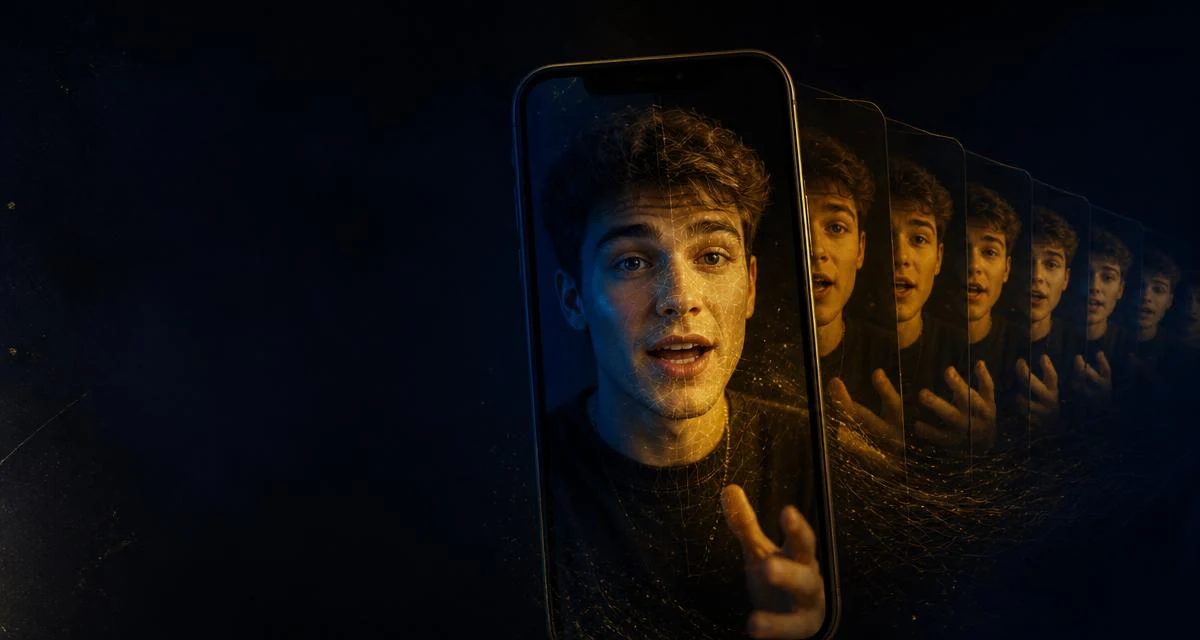
Create TikTok Shop videos with an AI avatar that looks and sounds like you. Reuse your likeness across product videos, adjust the message for each SKU, and keep creating without filming yourself from scratch every time. Choose whether to use your avatar for each video.
AI AVATAR
VIDEO
VIDEO GENERATOR
Make yours with Moras — moras.ai
Avatar examples
Put Your Face On A Winner
Swipe to explore examples
Understand the format
What Is an AI Avatar Video?
An AI avatar video is a shoppable TikTok cut performed by a digital twin of a real person. You upload one 30-second front-facing clip inside the Moras app, the model learns your face, expression range, mouth shape and — optionally — your voice, and from then on every render is you on camera: same eyes, same delivery, same recognizable creator your followers already trust. On TikTok Shop that matters because the format is a volume game. A booked shoot gives you one cut per SKU and a three-to-seven day turnaround. A trained avatar gives you a hook variant per angle, per price tier, per audience — mouth-synced to a native US voice, with beat-synced captions, the AIGC disclosure label and the affiliate link attached before the file leaves the app.
Personal Avatar Review
20–30s · 9:16 — Your one-time 30-second training clip, plus optional B-roll of the product. Moras performs the review in your likeness and cuts to your product footage on the proof beat. Best for creators with face recognition who want every SKU to compound one personal brand.
Founder Story Cut
25–35s · 9:16 — No new footage; the listing images and your bound avatar are enough. Moras writes the origin beat, keeps the delivery conversational and closes on the product card. Best for sellers launching their own brand who need a face without becoming a full-time creator.
Two-Tier Price Explainer
20–28s · 9:16 — Two TikTok Shop links: the budget option and the upgrade. Moras splits the frame, has the avatar argue each side and ends on a use-case recommendation. Best on catalogues with good-better-best tiers where the buyer stalls on which to pick.
Comment Reply Avatar
12–18s · 9:16 — A screenshot of the comment you're answering. Moras pins the comment, has your avatar answer it in one take and re-anchors the affiliate link. Best for reviving a post that got traction but stalled on one recurring doubt.
Faceless Spokesperson Ad
15–22s · 9:16 — Listing imagery only; you never appear. A licensed avatar carries the narration over product footage with an end-card CTA. Best for sellers, dropshippers and agencies with no in-house creator on the account.
Multi-SKU Avatar Batch
18–25s each · 9:16 — A queue of TikTok Shop links, up to a hundred at a time. One avatar, a fresh script and hook per listing, rendered as a batch with no retraining. Best when a whole storefront needs coverage before a campaign window opens.
One Avatar, More Product Videos
A personal avatar helps you keep creating while staying in control of the message.
Create Your Personal Avatar
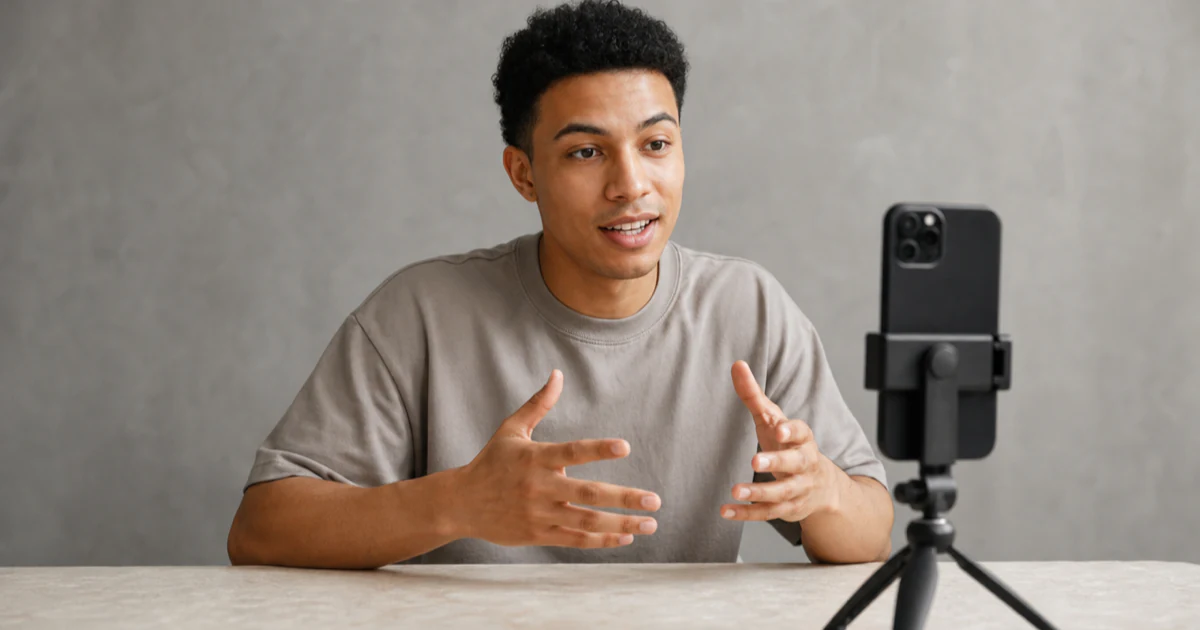
Record a short clip with your camera and microphone in Moras. The app guides you through the recording, then processes your appearance and voice into a reusable personal asset. Preview the result before using it in a video.
Reuse Your Likeness Across Products
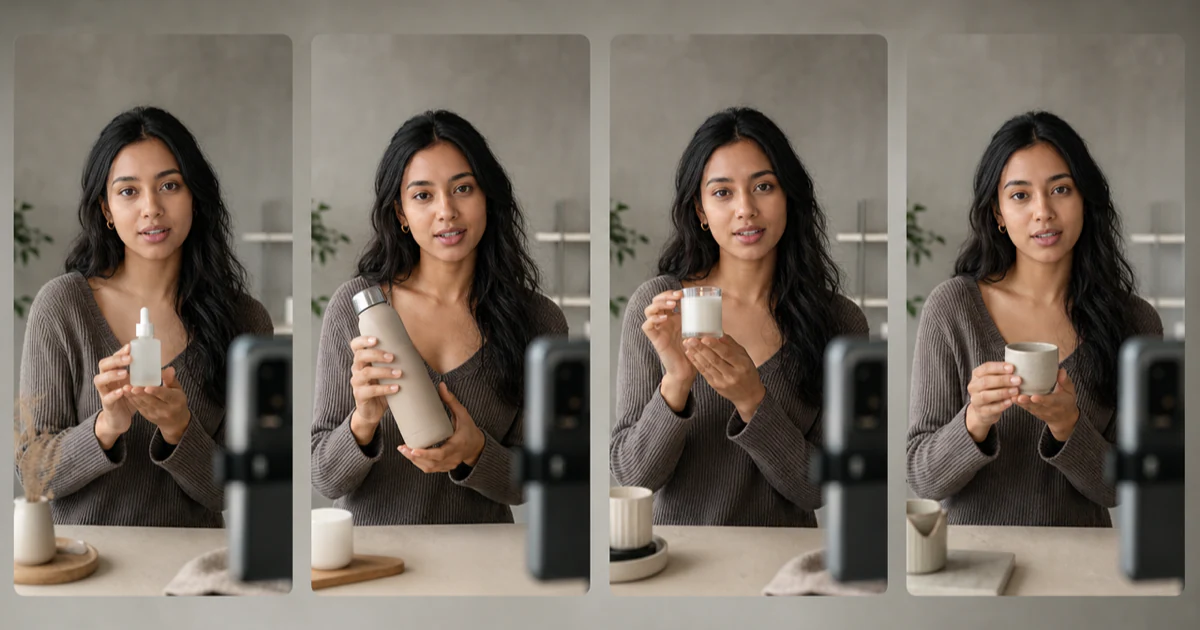
Once your avatar is ready, you can use it in video-generation tasks for different TikTok Shop products. Each task can use a different product message, and you can choose whether to use the avatar for that video.
Keep the Product Message in Focus
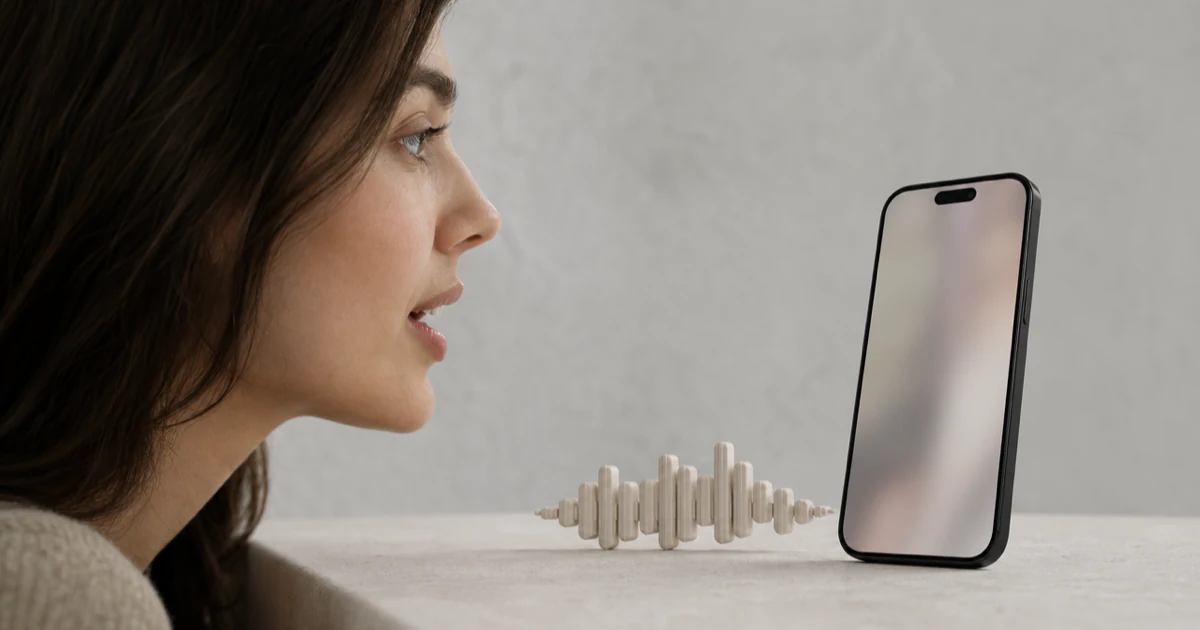
Moras combines your avatar with product information to create the video. Your appearance and voice provide continuity, but actions, clothing, scenes, and lip-sync can vary between results, so review each video before publishing.
Avatar video workflow
How It Compares
Compare the work involved in creating and updating a TikTok Shop video with a personal avatar.
| Criterion | Moras Avatar Video | Live-Action UGC | Generic AI Video |
|---|---|---|---|
| Finished video length | 15s-20s | Varies by brief | Varies by edit |
| Generation wait | About 5 minutes | Depends on the brief | Depends on the edit |
| Repeat filming required | No repeat recording for each new product or message | A new shoot for a new product or message | Depends on the tool and manual setup |
| Cost per SKU tested | Reuse your personal avatar and review each generated video | Creator booking and production for each new cut | Varies by tool and editing work |
| Face on camera | Your personal avatar, used when you choose it | You, or a paid creator you booked | Synthetic or stock presenter |
| Change the product message | Update the message without recreating your avatar | A new angle may require another take | Re-prompt and check consistency |
| Control before publishing | Preview and review the result before publishing | Review after production | Review the output and prepare the post separately |
| Rewrite the script | Update the message without recreating your avatar | Re-record and re-edit | Re-prompt and check the framing again |
Who it's for
Who Uses Avatar Video
Use a personal avatar when you want a recognizable presence without filming every product video yourself.
Creators Scaling Past Their Filming Days
Keep a recognizable presence in your content when you cannot film every product video. Use your avatar for a new product message without setting up another recording.
Sellers with No One to Put on Camera
Give a product a more personal presentation with an avatar created from your own appearance and voice. Review the result and decide whether it fits the product before publishing.
Affiliates Testing Angles per SKU
Try different product messages while keeping a familiar personal presence. Choose whether to use your avatar for each video and review the result before publishing.
Teams Preparing Product Content
Keep product messaging organized across repeated video creation. The avatar remains an optional input for each supported generation task.
Daily loop
How to Create a TikTok Shop Video With Your AI Avatar
Create your personal avatar once, then decide when it should appear in your product videos.
- 01
Create Your Personal Avatar
Record a short clip with your camera and microphone in Moras. Follow the on-screen guidance, submit it, and preview the result when processing is complete. - 02
Add a TikTok Shop Product
Choose the product you want to feature. Moras uses the available product information and imagery to prepare the video message. - 03
Choose Your Avatar for the Video
Use your avatar when you want your likeness and voice in the video. Review the finished result before publishing.
Avatar video, answered.
A personal AI avatar uses your appearance and voice as an optional input for supported video-generation tasks. That gives your product videos a more recognizable personal presence without requiring you to record every one from scratch.
Create Product Videos With Your Avatar
Create your personal avatar in Moras, choose a TikTok Shop product, and decide whether to use your likeness and voice in the video. Review the result before publishing.
No credit card required