@hannahbentleyView →
Recommended by TikTok Shop Academy
Product Video Generator for TikTok Shop
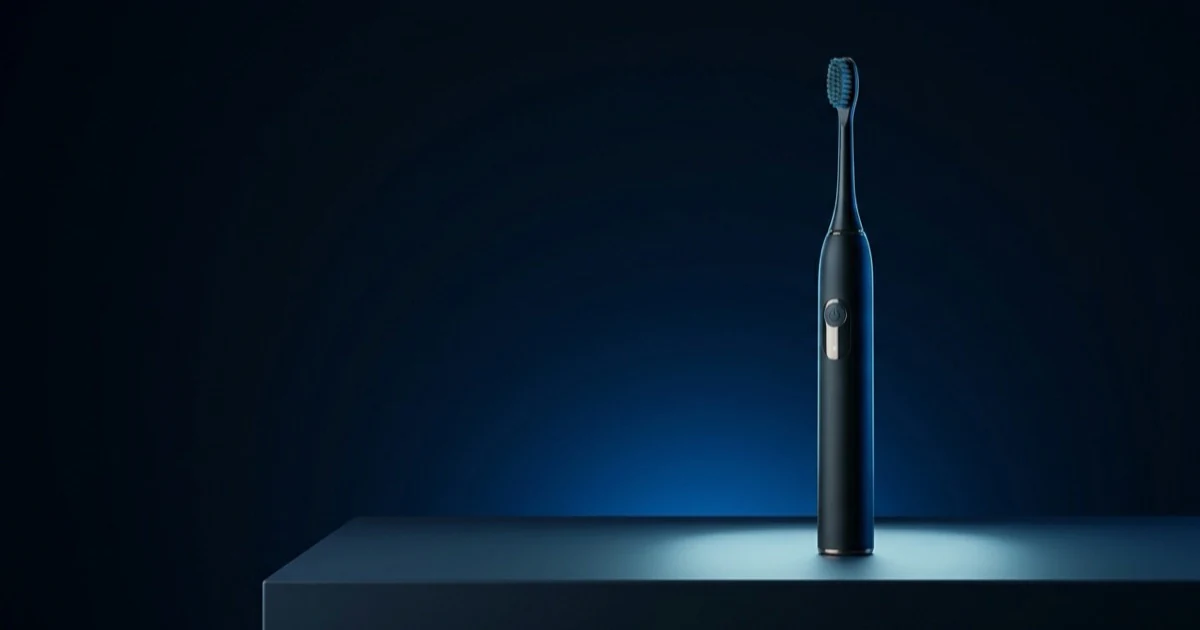
Some SKUs never get filmed because there is nobody to film them. Bind the listing and Moras builds the cut from your storefront imagery — macro detail, scale reference, specs as captions and a basket CTA while the product still fills the frame.
PRODUCT
VIDEO
Moras
Make yours with Moras — moras.ai
Start From A Winning Cut
Or tap a real TikTok Shop cut to rebuild it as a product video:
Swipe to explore examples
What Is a Product Video?
A product video is the TikTok Shop format where the item itself is the talent. No routine to act out, no verdict to argue — the camera stays on the product while the edit walks through what it is made of, what it does, what size it comes in and why it costs what it costs. It is the closest thing TikTok has to a listing page you can watch. Sellers reach for this format because it scales with a catalogue rather than with a creator's calendar. Every SKU deserves at least one clip that answers the practical questions, and those clips do not need a face, a script performance or a shoot day — they need accurate specs on screen, clean product footage, and a CTA that lands while the item is still filling the frame.
Feature-In-Action Cut
01 · 15–22s · 9:16 — One short clip of the headline feature actually working. Moras opens on the feature, pins the spec from the listing and closes on the product card. Best as the main listing video, where the buyer is one detail away from adding to cart.
In-Context Lifestyle Cut
02 · 18–26s · 9:16 — The product in the room it's actually used in — kitchen, desk, bathroom, car. Moras narrates the use case in your avatar's voice and cuts on the moment of benefit. Best for home and lifestyle SKUs sold on how they fit a space rather than on specs.
Variant Line-Up
03 · 20–28s · 9:16 — Each colourway or size in frame, filmed the same way. Moras labels every variant, reads the price differences off the listing and recommends one. Best where choice paralysis is the drop-off point — apparel, cases, multi-size kits.
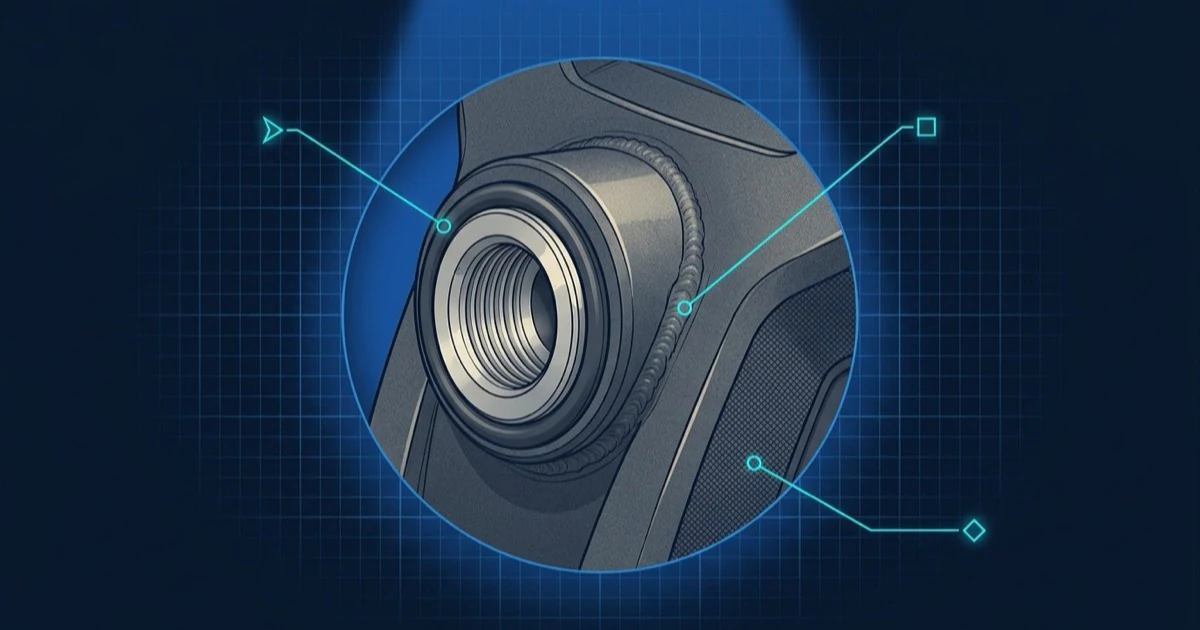
Spec Macro Pass
04 · 12–18s · 9:16 — Close-ups of the material, stitching, seal or port buyers keep asking about. Moras pairs each macro shot with the listing spec and answers the doubt in one line. Best for mid-ticket SKUs where the buyer assumes the photos are flattering.
Price-Point Ad Cut
05 · 10–16s · 9:16 — Listing imagery only — no new filming needed. Moras animates the stills with motion beats and builds the cut around the live discount tag. Best for campaign windows, restocks and paid placements that run on price.
Catalogue Coverage Batch
06 · 15–22s each · 9:16 — A queue of TikTok Shop links. One template, a fresh script per SKU, rendered as a batch with a single bound voice. Best when a whole storefront needs video before a campaign window opens.
Listing Page To Watchable Cut
The assets already exist. What's missing is motion, structure and a reason to keep watching.
No Studio, No Shoot Day, No Rented Set
A traditional product video means booking a table-top set, a light kit and a half-day of someone's time per SKU — which is why most storefronts have video on their five best listings and stills on everything else. Moras builds the cut from the listing assets plus whatever short clip you happen to have, so coverage stops being a budget decision and becomes a queue.

Specs Land Where The Doubt Is
Product video loses people at the point where a question goes unanswered — the material, the capacity, the fit. Moras reads the real spec table off the TikTok Shop listing and pins each fact as an on-screen callout at the exact frame the viewer would have asked, rather than dumping a feature list over the closing shot.
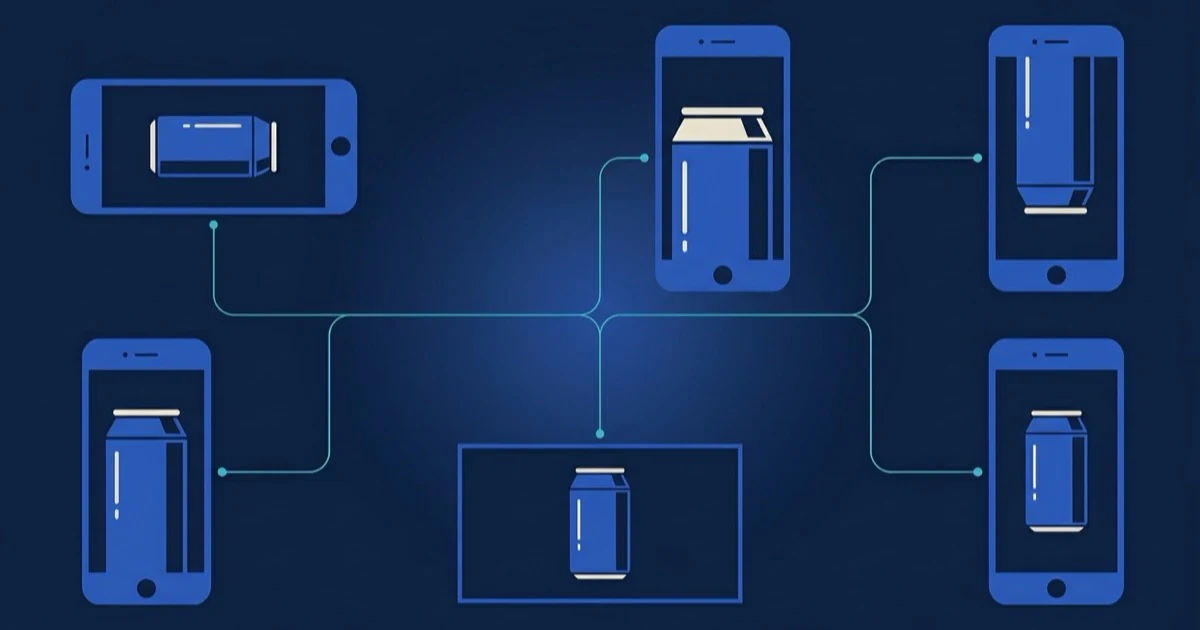
One Master Cut, Every Placement It Needs
The same source assets produce a listing video, an organic post and a paid placement, each with its own hook length, caption treatment and CTA. Every export keeps captions inside TikTok's safe area, anchors the product card after the proof beat, and carries the AIGC label plus the paid-partnership disclosure from render time.
How It Compares
Same listing cut, three ways to produce it — on speed, cost, coverage, and compliance.
| Criterion | Moras Product Video | Studio Product Shoot | Generic AI Video |
|---|---|---|---|
| Time to a finished product video | ~9 min from product imagery alone | 3–7 days for a studio or UGC shoot | Fast, but it invents the specs |
| Cost per SKU | Free to use; daily usage limits may apply | $80–$300 per product, plus reshoots | Cheap, and you re-key every caption |
| Spec accuracy on screen | Read from the bound TikTok Shop listing | Whatever made it into the brief | Generic filler, often wrong |
| Catalogue coverage | Batch a hundred links in one queue | One product per booked slot | One render at a time |
| Footage required from you | None — storefront imagery is enough | Full shoot, samples shipped to a studio | Stock clips that are not your product |
| AIGC label and product tagging | Attached automatically on render | Added manually in post | None |
Who it's for
Who Uses Product Video
Same listing-driven workflow, four jobs — pick the lane that matches yours.
Sellers Covering a Whole Catalogue
Gets video onto every listing, not the top five. Queue the storefront and let the batch run. Every SKU gets a cut instead of only the products that justified a studio day.
Dropshippers Validating New SKUs
Tests a product before committing inventory. Paste the link, ship three cuts, read the retention. Kill the losers the same week rather than waiting on a creator's calendar.
Affiliates Without the Product in Hand
Posts before the sample arrives. Listing imagery plus a bound voice is enough to publish while the sample is still in transit, then swap in your own footage of the SKUs later.
Agencies Delivering Placement Sets
Hands back organic and paid variants together. One master cut per SKU, exported for listing, organic and paid placements — labelled and disclosure-ready before the client ever opens the file.
How to Generate a Product Video With AI
Three steps from a listing link to a catalogue-scale cut. You supply the storefront imagery; the agents handle framing, spec captions, voice, and disclosure. You end up with three product-only cuts with spec captions and a clean end frame — no face required.
- 01
Paste The SKU Links
One product or a hundred. Moras reads imagery, dimensions, materials, variants, price and discount tags off each bound TikTok Shop listing, so no spec on screen is a guess. - 02
Let Moras Lead On The Objection
Category and price tier decide the angle — sturdiness, fit, or worth-it-over-the-cheaper-one. The edit opens on the detail that answers it and orders the rest of the passes behind it. - 03
Render The Batch And Publish
Motion, macro passes and a native US voiceover are built from still imagery, captions stay inside the safe area, product tags and the AIGC label attach on render. A full catalogue clears in an afternoon.
When the Product Alone Is Not Enough
A product video answers the practical questions. The other formats add a person, a proof point or a different creative angle.
Product video, answered.
A short shoppable cut where the item stays on screen the whole time and the edit answers the practical questions — material, size, variants, price — instead of telling a personal story. It is the catalogue-scale format for sellers.
Give Every Listing A Video
Open Moras, paste the TikTok Shop link, queue as many SKUs as you need. Three product cuts per listing come back in about nine minutes — motion beats, spec callouts, captions, disclosure and affiliate link included.