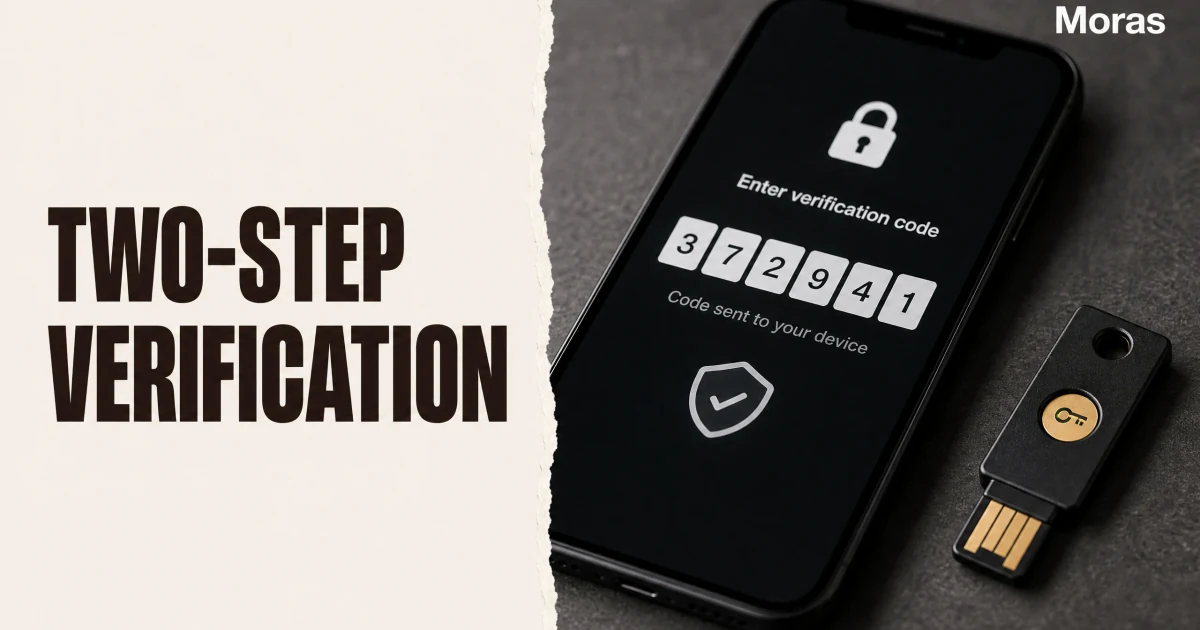
TikTok two-step verification (2SV) adds a second factor beyond your password, using methods such as SMS or an authenticator app. That extra layer matters for Shop sellers because account lockouts or withdrawal restrictions can disrupt operations and payouts. US seller notifications often include a 30-day deadline. missing it can trigger withdrawal restrictions. Set up 2SV when the notice arrives, save recovery codes offline, and use Seller Center recovery if you lose device access.
Why Two-Step Verification Matters
A password alone is fragile because passwords leak at scale. When a third-party service you used years ago suffers a data breach, your reused credentials can end up circulating among attackers who will try them against TikTok and every other major platform. Against that threat, a strong password helps, but two-step verification is the layer that actually stops the attacker.
With 2SV enabled, a hacker who has your password still needs access to your phone, your email, or your authenticator app to complete a login. That second factor is something you physically control, which is why account-takeover attempts overwhelmingly fail against accounts with 2SV turned on. A leaked password is functionally useless against an account that requires a second step.
The security benefit compounds for TikTok Shop sellers, because a compromised seller account is not just a lost profile — it is a compromised payment channel. Attackers can change payout details, interfere with orders, and lock you out of your own shop. TikTok treats this seriously enough that it now requires sellers to enable two-step verification, a requirement covered later in this article.
The Verification Methods: Phone, Email, Authenticator
TikTok offers three verification methods for two-step verification, and you must choose at least two of them when you set it up. The second-method requirement exists so you have a backup if one method is unavailable — for example, if you lose your phone but still have your email.
| Method | How it works | Pros | Cons |
|---|---|---|---|
| Phone (SMS) | Code sent via text message | Familiar, no app needed | Vulnerable to SIM swapping |
| Code sent to your email address | Works across devices | Requires email access | |
| Authenticator app | 6-digit code on your device | Most secure, offline | Needs an app installed |
The phone method sends a verification code by text message. It is the most familiar option, but it is also the one security researchers are most cautious about, because a determined attacker who controls your phone number through SIM swapping can intercept SMS codes.
The email method sends a code to your registered email address. It is convenient and works across devices, which makes it a good backup method, but it depends on the security of your email account itself.
The authenticator app method is the strongest. An app like Google Authenticator, Microsoft Authenticator, or Authy generates a six-digit code on your device that refreshes every 30 seconds, using a secret key established when you first link it to TikTok. The code exists only on your physical device, cannot be intercepted through SMS, and keeps working without a cellular connection. This is the method security professionals recommend, and it is the one this guide walks through in detail.
How to Set It up for Your TikTok Account
Setting up two-step verification on a personal TikTok account takes about five minutes, and the steps are consistent across recent app versions.
- Open the TikTok app and tap Profile.
- Tap the menu button (鈽? in the top-right corner.
- Select Settings and privacy.
- Tap Security and permissions (older versions may label it Security and login).
- Tap 2-step verification.
- Choose at least two of the three methods —Phone, Email, and Authenticator — then tap Turn on.
For the authenticator method specifically:
- Install an authenticator app — Google Authenticator or Microsoft Authenticator both work.
- In TikTok, select Authenticator as one of your methods.
- TikTok shows a QR code and a text key.
- Open your authenticator app, tap the add (+) icon, and scan the QR code — or manually enter the key.
- The app generates a six-digit code. Enter that code back into TikTok to link the accounts.
- Tap Turn on to confirm.
For the phone or email methods, TikTok prompts you to enter your contact information if it is not already on file, sends a verification code, and confirms it. Each code is time-limited — usually 60 seconds — so if it expires, request a new one.
Once enabled, the next login from an unrecognized device prompts you for a verification code from the method you chose. If you lose access to your account entirely, our TikTok Shop customer service guide covers the official recovery channels.
How to Set It up for TikTok Shop Sellers
TikTok Shop now requires sellers to enable two-step verification. This is not a recommendation — it is a condition for continuing to use Seller Center without interruption.
As of TikTok's February 2026 guidance, all sellers must link a phone number and enable two-step verification. New sellers complete this during onboarding. Existing sellers who do not complete setup within 30 days of the first notification will have their ability to withdraw funds placed on hold. Once setup is complete, restrictions are typically lifted within 24 hours.
The seller setup path is:
- Log in to Seller Center and click your shop profile icon in the top-right corner.
- Go to My Account → My Profile.
- Under Account Information, add your phone number (email verification may be required).
- Go to Account Security → Two-Step Verification and turn it on.
- Enable at least two verification methods.
The 30-day deadline is the detail sellers miss most often. The notification arrives, the task looks optional, and a month later the payout hold appears. Set it up the day the notification lands — it takes minutes, and the hold is a cash-flow problem no seller needs. The withdrawal hold also ties into your broader account health: TikTok Shop now treats security configuration as part of operating a shop, alongside metrics like the TikTok Shop performance score.
How to Set It up for a Business Center
If you run a TikTok Shop Business Center — the organization-level account that manages multiple members — two-step verification is configured at the admin level.
Only members with Admin access can enable two-step verification for a Business Center. The admin navigates through the Business Settings to the security section and configures the verification requirements for members. Once enabled, every member signs in with their password plus a second verification step.
This matters for shops with multiple operators because a single weak link can expose the whole team. An admin who requires two-step verification for all members closes the gap that one employee using a reused password would otherwise create. If you manage a team, treat Business Center 2SV as an onboarding requirement for every new member, not an optional setting.
Which Method Is Most Secure
If you are setting up 2SV for the first time, the choice between SMS, email, and authenticator is not cosmetic — it is the difference between good security and the strongest option available.
The authenticator app is the most secure because the code is generated on your device from a secret key, so it cannot be intercepted in transit and is not affected by SIM swapping. SMS is the most common but also the weakest of the three: text-message codes can be intercepted through SIM-swap attacks, where an attacker convinces a carrier to move your number to a phone they control. Email sits between the two, and its security depends entirely on how well your email account itself is protected.
The practical recommendation is to use the authenticator app as your primary method and email as your backup. That combination gives you offline, device-based codes for day-to-day logins and a recovery path if your phone is lost. It also meets TikTok's two-method requirement without relying on SMS, which is the weakest link.
What to Do If You Get Locked Out
Even with two-step verification, there is a scenario worth preparing for: you lose your phone, change your number, or lose access to your email, and you cannot complete a login. The recovery path depends on what you still control.
If you still have at least one of your chosen verification methods — for example, your email still works even though your phone is gone — use that method to complete the login and then update your verification settings. TikTok asks you to verify identity through whichever method is available, so keeping two methods active is exactly why the platform requires it.
If you have lost access to every method, contact TikTok support through the official account-recovery flow. For TikTok Shop sellers, there is a dedicated seller recovery form for regaining access to a shop, which handles the additional complexity of pending orders, inventory, and financial data tied to the account. TikTok will typically freeze the account first to prevent further compromise, then verify your ownership through uploaded documents before restoring access.
Account security protects the seller workflow described in how TikTok Shop works, especially when operations depend on Seller Center access.
Conclusion
Two-step verification is the single highest-impact security step for any TikTok account, and for TikTok Shop sellers it is now mandatory. Choose at least two methods — authenticator app as the primary, email as the backup — and you close the door on the most common account-takeover path: a leaked password. Set it up through Profile → Settings and privacy → Security and permissions →2-step verification, and for sellers, through My Account → Account Security in Seller Center before the 30-day window closes.
The cost of setup is a few minutes and a second factor you carry anyway. The cost of skipping it is the difference between a password alone and an account that survives a leaked credential. For sellers, that difference protects the ability to withdraw money — which is exactly why TikTok now requires it.
The account is the asset worth protecting, and the shop runs on it. Once the second factor is on, so the parts you do not want to hand-type stay in one place.